Viewing the History of Reports
This section explains how to view a report’s history.
To view the history of a report
| 1. | On the Report Panel, click the Documents tab. |
| 2. | Select the required document to view the document details. |
| 3. | On the Details pane, right-click the required document. |
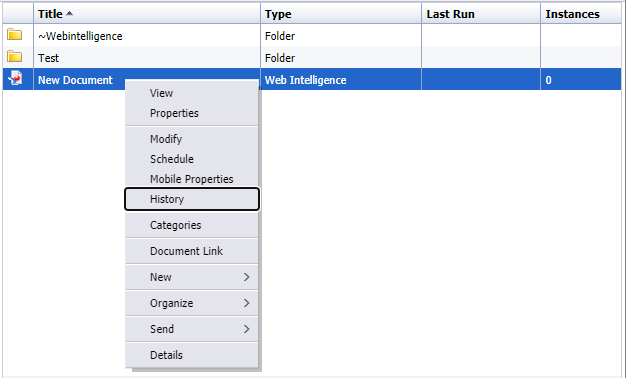
| 4. | Click History to view the history details of the report. |